VPN, Proxy or Tor: Three Tools, Three Very Different Jobs
Compare VPNs, proxies and Tor in plain English: how each one works, what it protects, where it falls short, and which fits your situation best.
VPNs, proxies and Tor all hide your real IP address from the websites you visit, so they often get lumped together. In practice they work in very different ways, protect different things and suit different jobs. This guide explains each one in plain language so you can pick the right tool instead of the most heavily advertised one.
The basic idea they share
Normally your device connects directly to a website, and the site sees your public IP address. Your internet provider can also see which servers you connect to. All three tools place an intermediary between you and the destination. The differences lie in what traffic they cover, how it is protected on the way, and how much you have to trust the intermediary.
What a proxy does
A proxy server forwards your requests to a website on your behalf. The site sees the proxy's IP address, not yours. Proxies are usually set up per application, for example in a web browser or a download tool, so only that program's traffic is affected.
- HTTP and HTTPS proxies handle web traffic only.
- SOCKS proxies are more flexible and can carry other kinds of traffic, but still work per application.
The key limitation is that a typical proxy does not encrypt the connection between you and the proxy. Someone watching your local network may still see what you are doing, and the proxy operator can see your requests. Proxies are handy for simple tasks such as testing how a page looks from another location or getting around a basic regional block, but they are a weak choice when privacy matters.
What a VPN does
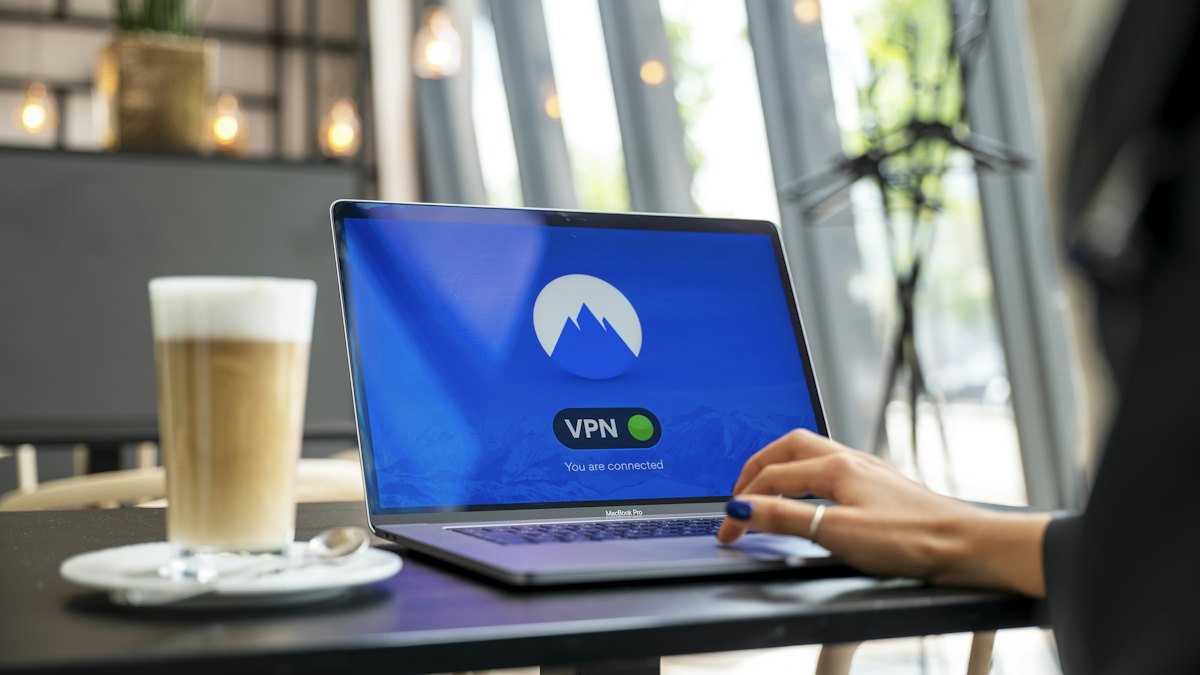
A VPN creates an encrypted tunnel from your device to a VPN server. Unlike a proxy, it normally covers all the traffic leaving your device, not just one app. Your internet provider or the owner of the Wi-Fi network sees that you are connected to a VPN server, but not the content of your traffic or the sites you reach through it. Websites see the VPN server's address.
The trade-off is trust. Your provider no longer sees your browsing, but the VPN company can. A reputable service with a clear no-logs policy and independent audits reduces that risk, but you are still choosing whom to trust. VPNs can also slightly reduce speed, and some websites block known VPN addresses.
What Tor does
Tor is a free, open-source network run by volunteers. When you use the Tor Browser, your traffic is wrapped in several layers of encryption and sent through three relays: an entry node, a middle node and an exit node. Each relay only knows the one before it and the one after it. No single relay sees both who you are and what you are requesting.
This design makes Tor the strongest of the three for anonymity, because there is no single company holding your full picture. The costs are real, though:
- It is noticeably slower because traffic takes a longer path.
- Some sites block or challenge Tor exit nodes.
- The exit node can see unencrypted traffic leaving the network, so you should still rely on HTTPS.
- Tor Browser protects the browser only, not other apps on your device, unless you configure them separately.
Side-by-side comparison
| Feature | Proxy | VPN | Tor |
|---|---|---|---|
| Hides your IP from websites | Yes | Yes | Yes |
| Encrypts your traffic to the server | Usually no | Yes | Yes, in layers |
| Covers the whole device | No, per app | Yes | No, mainly the Tor Browser |
| Who can see your activity | The proxy operator | The VPN company | No single party, in theory |
| Speed impact | Small | Small to moderate | Large |
| Best suited for | Light, low-risk tasks | Everyday privacy and public Wi-Fi | High-anonymity needs |
Which one should you choose?
Start with what you actually want to achieve.
- You use public Wi-Fi or want your internet provider to see less: a VPN is the practical choice. It protects all your apps and is easy to leave switched on.
- You want to check a website from another region or bypass a simple block: a proxy or a VPN will do. A VPN is safer because the connection is encrypted.
- You need strong anonymity, for example as a journalist, activist or someone in a restrictive environment: Tor is designed for that. Follow its guidance carefully, because small mistakes can undermine anonymity.
- You only need to route one app through another address: a SOCKS proxy can work, but remember it does not encrypt your traffic by default.
Can you combine them?
Some people run Tor over a VPN or a VPN over Tor. This can help in specific situations, for instance if you do not want your provider to know you use Tor. It also adds complexity and can introduce new risks if set up badly. For most people, a single well-chosen tool used correctly is better than a complicated stack.
What none of them can do
Hiding your IP address is only one part of privacy. None of these tools will help if you log in to accounts that identify you, accept tracking cookies, or install a malicious app. They do not replace antivirus protection, careful browsing, strong passwords or two-factor authentication. Think of them as one layer of protection, not a complete solution.
Final thoughts
A proxy is a lightweight redirect, a VPN is an encrypted tunnel for your whole device that moves your trust to the provider, and Tor spreads trust across many relays at the cost of speed. For everyday privacy a reputable VPN is usually the easiest fit, while Tor is better reserved for situations where anonymity is the priority. Match the tool to the threat you are actually facing and you will get far more value than from any one tool used everywhere.