Stop Being Followed Around the Web: A Practical Guide to Online Tracking
Learn how trackers follow you across websites and apps, which settings and habits actually help, and where a VPN does and does not protect your privacy.

You look at a pair of hiking boots once, and for the next two weeks boots follow you from site to site. That is not a coincidence or a glitch. It is the result of a large, mostly invisible system that records what you do online. The good news is that you can reduce it a lot without being a technical expert. This guide explains how tracking works, what each protection can and cannot do, and gives you a realistic plan you can finish in an afternoon.
How tracking actually works
Tracking is not one technology. It is a collection of methods that companies combine to recognize you over time. Knowing the main ones makes it easier to pick the right defense.
Cookies
A cookie is a small file a website stores in your browser. A first-party cookie comes from the site you are visiting and is often useful: it keeps you logged in or remembers items in your cart. A third-party cookie comes from another company whose code is embedded in the page, such as an advertising network. Because the same company's code appears on many sites, it can recognize you on all of them.
Tracking pixels and scripts
Many pages load tiny invisible images or scripts that report back when the page opens. Emails use the same trick, which is how a sender can know that you opened a message and roughly where you were.
Browser fingerprinting
Even with cookies blocked, your browser reveals details such as screen size, fonts, language and operating system. Put together, these can form a pattern that is distinctive enough to recognize you. Fingerprinting is harder to stop than cookies because there is nothing to delete.
Accounts and logins
The most reliable tracking comes from being signed in. If you are logged into a large service while you browse, your activity can be tied directly to your profile, which is much more precise than a guess based on cookies.
What each protection does
| Tool or habit | Helps with | Does not help with |
|---|---|---|
| Blocking third-party cookies | Cross-site advertising profiles | Fingerprinting, being logged in |
| Content or tracker blocker | Scripts, pixels, many ads | Tracking by sites you log into |
| VPN | Hiding your IP address from sites and your network from your provider | Cookies, fingerprinting, logged-in accounts |
| Private browsing mode | Not saving history or cookies on your device | Hiding activity from websites or your network |
| Resetting the advertising ID on your phone | Breaking the link to past app activity | Tracking inside apps where you are logged in |
| Separate email address for sign-ups | Limiting how widely your main address spreads | Tracking that does not rely on email |
A realistic plan, step by step
- Review your browser settings. Most modern browsers let you block third-party cookies and turn on a tracking protection mode. Choose the stricter option, then see whether any site you use breaks. If one does, allow an exception for that site only.
- Add a reputable tracker blocker. A browser extension or built-in feature that blocks known trackers and invasive scripts removes a large share of background requests. Install only from your browser's official extension store and read what permissions it asks for.
- Check your search and home page. Your default search engine sees everything you type. Some search engines advertise that they do not store personal search history; compare their privacy policies before you switch.
- Clean up your accounts. Open the privacy or activity settings of the large services you use. You can usually pause history, limit ad personalization and set old data to delete automatically.
- Handle your phone. Review which apps have location, contacts and microphone access, and remove anything that does not need it. On both major mobile systems you can limit or reset the advertising identifier and restrict cross-app tracking requests.
- Protect your email. Block remote images in your email app so tracking pixels do not load. Use a separate address for shops and newsletters.
- Consider a VPN for the right reasons. See the next section.
Where a VPN fits in
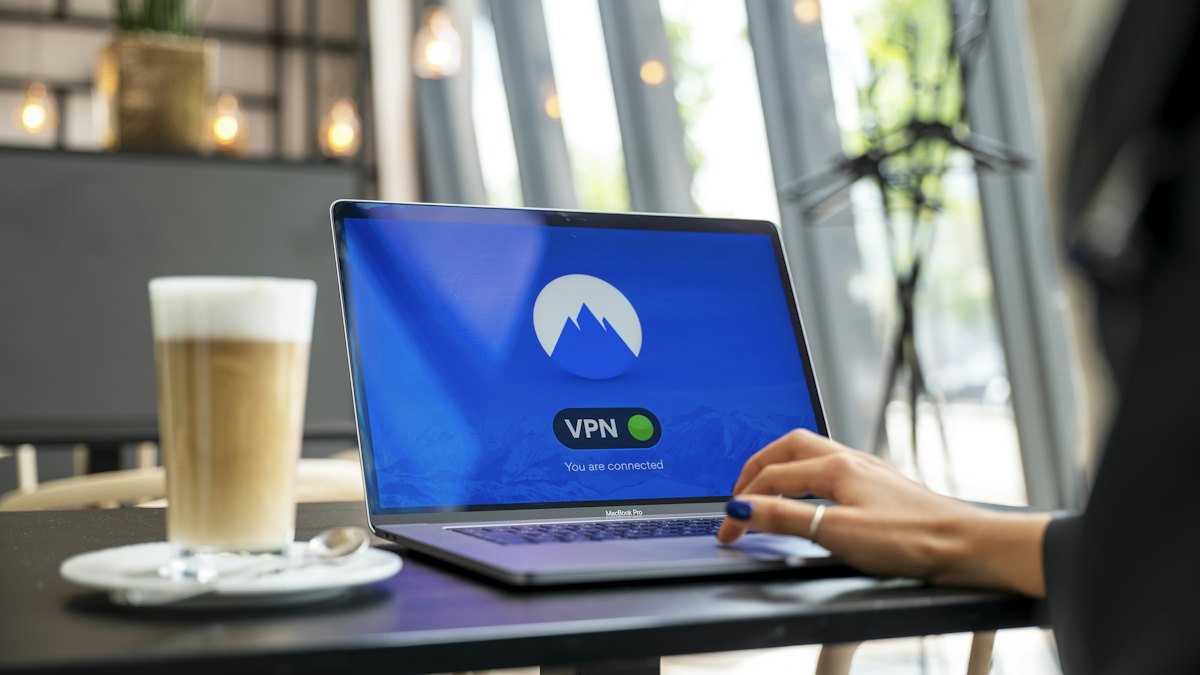
A virtual private network encrypts the connection between your device and the VPN server and replaces your visible IP address with the server's. That is genuinely useful on public Wi-Fi, when you want to keep your browsing details from your internet provider, or when you want to avoid showing your home IP address to a site.
But a VPN does not stop a website from setting cookies, does not change your browser fingerprint and does nothing about tracking in services where you are signed in. It also moves trust: instead of your internet provider seeing your traffic, the VPN company can. Look for a clear privacy policy, independent security audits where available, and transparent ownership. Treat marketing claims such as "total anonymity" with suspicion, because no single tool delivers that.
When a VPN is a good choice
- You regularly use public or shared networks.
- You want to hide your browsing from your internet provider.
- You want to keep your home IP address private in certain situations.
When it will not help much
- Your main concern is advertising profiles built from cookies and logins.
- You stay signed into the same large account all day.
- You expect it to make you anonymous.
Habits that matter as much as tools
- Say no to unnecessary permissions. If a flashlight app asks for your contacts, skip it.
- Read cookie banners once. Many offer a "reject all" or "manage choices" option. Choosing it takes a few seconds and limits optional tracking.
- Log out when you are done with sites that do not need a persistent session.
- Share less. The most effective way to avoid being tracked is not to hand over the data in the first place, for example by skipping optional profile fields.
Frequently asked questions
Does private browsing stop tracking?
No. It only prevents your device from saving history, cookies and form entries after you close the window. Websites, your network and your internet provider can still see your activity.
Will blocking trackers break websites?
Occasionally. Login buttons, embedded videos and payment forms sometimes rely on scripts that blockers flag. Most tools let you pause protection for one site while you keep it on everywhere else.
Is a VPN enough on its own?
No. A VPN protects your network path and IP address, but cookies, fingerprinting and logged-in accounts remain. It works best combined with browser settings and good account habits.
How often should I review my privacy settings?
Every few months is reasonable, and after major app or browser updates, because defaults and menus sometimes change.
Conclusion
Online tracking is built from many small signals, so no single switch turns it off. Start with the free steps: stricter browser settings, a tracker blocker, tidier account settings and tighter app permissions. Add a VPN if public networks or your internet provider are part of your concern, and keep your expectations realistic. A few well-chosen changes will noticeably cut how much of your online life is recorded, and they take far less effort than most people expect.