The Real Cost of a Free VPN
Free VPN apps still cost something. Learn how they make money, the privacy and security risks to watch for, and safer ways to protect your connection.
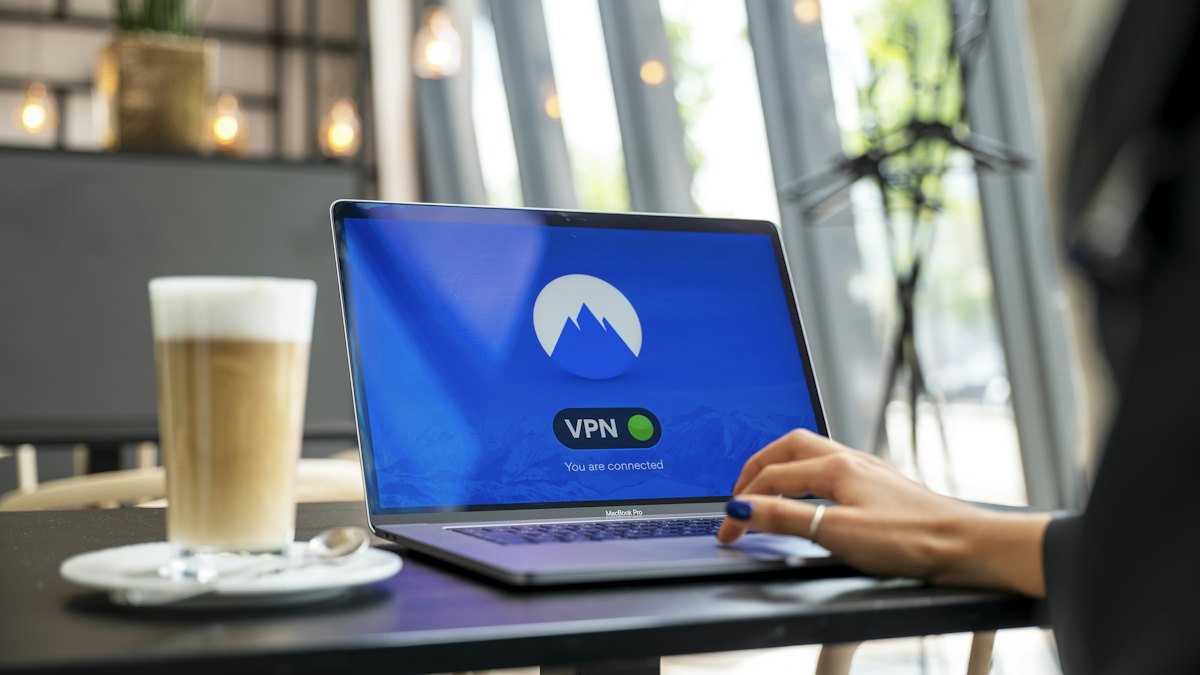
A VPN that costs nothing sounds like an easy win. You download an app, tap a button and feel protected. But running a VPN is not free for the company behind it. Servers, bandwidth, software development and support all cost real money, every month. When you are not paying, it is worth asking who is.
This does not mean every free option is harmful. It means you should understand the trade-offs before trusting one with all of your internet traffic.
How free VPNs pay their bills
A free VPN has to earn money somehow. The business models fall into a few broad groups, and they are very different in how much they put you at risk.
1. A limited free tier of a paid service
Some established providers offer a restricted free plan, such as fewer server locations, a data cap or lower speeds, hoping you will upgrade. This is the most transparent model, because the company earns money from paying customers and the free plan is a trial. The restrictions are the price you pay.
2. Advertising
Some apps show ads inside the app. Others go further and use trackers that follow your activity so that adverts can be targeted. That defeats much of the purpose of a VPN, since you wanted less tracking, not more.
3. Collecting and selling data
The most worrying model is when the service records what you do online and shares or sells that information to third parties such as advertisers or data brokers. A VPN sits in a very privileged position, because it can see which sites you connect to. In the wrong hands, that is valuable data.
4. Using your connection as a resource
A few free services have been criticized for routing other people's traffic through users' devices, which can make your internet address appear responsible for activity you never carried out. Always read what an app asks to do.
The risks in detail
- Weak privacy practices. A privacy policy may allow broad logging and sharing, or may be vague about what is collected. If the policy is hard to find or hard to understand, treat that as a warning sign.
- Poor security. Some apps use outdated protocols, weak encryption settings or code that has never been reviewed. Others leak your real address through DNS or IPv6 traffic, so the tunnel protects less than you assume.
- Excessive permissions. A VPN app on a phone does not need your contacts, messages or precise location. Requests beyond what the service needs are a red flag.
- Embedded malware or trackers. Researchers have repeatedly found trackers, and occasionally malicious code, in free VPN apps in app stores. Being listed in a store is not a guarantee of safety.
- Limited performance. Crowded servers and data caps can lead to slow speeds, frequent disconnects and few locations to choose from.
- Weak transparency. It may be difficult to find out who owns the company, where it is based and whether anyone has independently checked its claims.
A useful rule of thumb: if a service has no clear source of income and a long list of costs, assume your data or your attention is part of the payment until the company proves otherwise.
Free and paid compared
| Question | Typical unknown free app | Reputable paid or freemium service |
|---|---|---|
| How does it earn money? | Often unclear, sometimes ads or data | Subscriptions, stated openly |
| Is the ownership public? | Frequently hard to find | Usually named, with a legal address |
| Independent security review? | Rare | More common, though not guaranteed |
| Data caps or speed limits? | Common | Rare on paid plans |
| Ads or trackers in the app? | More likely | Less likely |
A paid plan is not automatically trustworthy, and a free plan is not automatically dangerous. Price is only one signal, but it is one that is easy to overlook.
How to evaluate a free VPN
- Find the business model. Is it a trial of a paid product, or does the company seem to have no revenue at all?
- Read the privacy policy. Look for what is logged, how long it is kept and who it is shared with.
- Check who is behind it. A named company, a real address and a track record are better than an anonymous developer.
- Look for independent audits. Published reviews by outside security firms show a willingness to be examined.
- Review app permissions before installing, and decline anything unrelated to networking.
- Test for leaks. Use a reputable leak-test website while connected and see if your real address or DNS servers show up.
- Read recent user reviews for complaints about ads, slowdowns or strange behavior.
Alternatives to consider
Before installing a mystery app, ask what you actually need.
- For public Wi-Fi safety: stick to sites using HTTPS, keep your device updated and avoid sensitive tasks on open networks. Your phone's mobile data is another option.
- For a work or school network: use the VPN supplied by your employer or institution.
- For privacy from trackers: a privacy-focused browser, tracker blocking and a private DNS setting address different problems than a VPN does.
- For streaming or location needs: remember that many services block VPN addresses, and free servers are the first to be blocked.
- If you want a VPN: consider a paid service with published policies, or a limited free plan from a company you can verify.
Frequently asked questions
Are all free VPNs unsafe?
No. Some are limited versions of well-run paid products. The danger lies mainly with apps whose income source is unclear.
Is a free VPN better than no VPN?
Not necessarily. A poor one can expose more about you than your normal connection, because it adds a new party that sees your traffic.
Can a free VPN steal my passwords?
Most sites use HTTPS, which keeps the content of your sessions encrypted even from the VPN. However, a malicious app could do other harm, such as installing unwanted software or tracking your activity, so source and permissions matter.
Are browser-based free VPN extensions safe?
Extensions can read a lot of what you do in the browser, so apply the same checks and be especially careful about the permissions requested.
Conclusion
A VPN asks you to place your internet traffic in someone else's hands, so trust is the product you are really buying. Free services can be fine when they are an honest trial of a paid offering, but many fund themselves through advertising or data collection, and some cut corners on security. Before you install one, find out how the company earns money, read the privacy policy, check who runs it and keep the permissions minimal. If you cannot answer those questions, a different tool, or no VPN at all, may serve your privacy better.