Do You Really Need a Dedicated Server?
Dedicated server or VPS? See how they differ, which signs really call for dedicated hardware, and when a cheaper option is the smarter choice for your site.
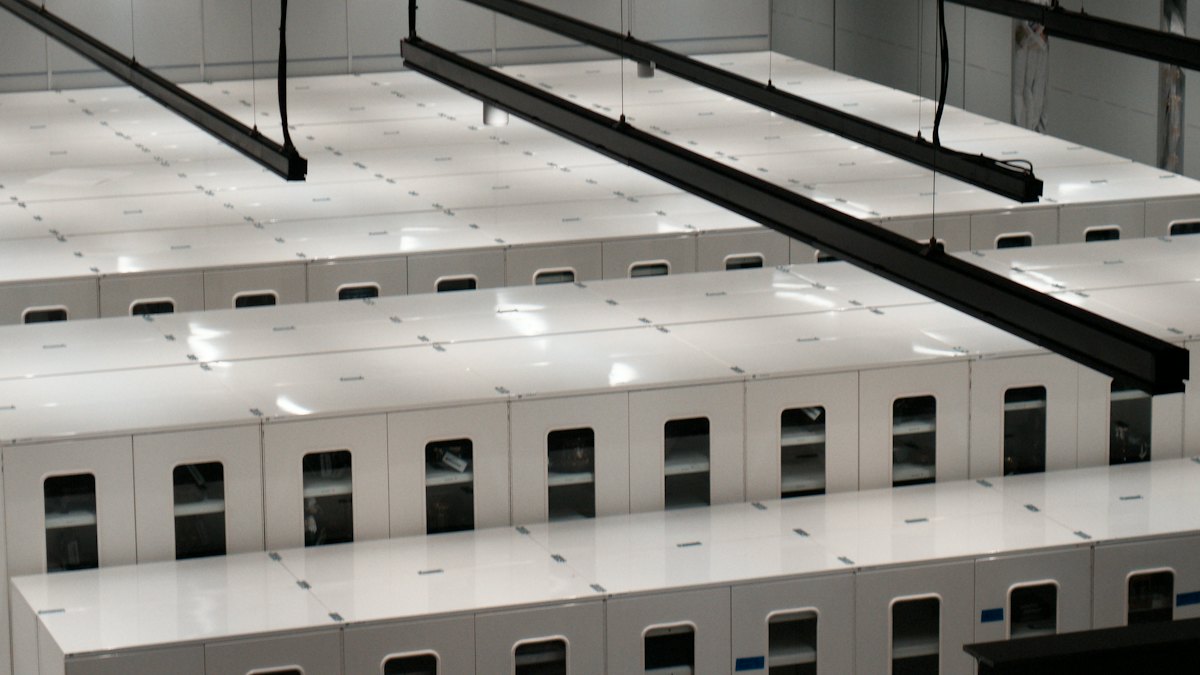
When a website outgrows its first hosting plan, the next step often sounds obvious: get a bigger server. But "bigger" can mean two very different things, a virtual private server (VPS) or a dedicated server. Many site owners jump to dedicated hardware because it sounds more serious, then pay for power they never use. This article helps you decide based on evidence rather than prestige.
What each option actually is
A VPS is a slice of a physical machine. One powerful server is divided into several isolated virtual servers, each with its own guaranteed share of CPU, memory and storage. You get your own operating system and administrative access, but the hardware underneath is shared with other customers.
A dedicated server is an entire physical machine rented to you alone. Every processor core, every gigabyte of memory and every disk belongs to your projects. Nobody else runs anything on it.
Side-by-side comparison
| Aspect | VPS | Dedicated server |
|---|---|---|
| Hardware | Shared physical machine, isolated slices | Whole machine for you |
| Performance consistency | Usually good, can be affected by neighbors on weak setups | Very predictable |
| Scaling | Often quick, sometimes a few clicks | Slower, may need a hardware change or migration |
| Cost | Lower entry cost | Considerably higher |
| Setup time | Minutes to hours | Can take longer to provision |
| Customization | Software level | Software and often hardware level |
| Management work | You manage the OS and software | Same, plus more responsibility for hardware planning |
Signs you might genuinely need dedicated hardware
- Sustained heavy load: your monitoring shows CPU or memory near their limits for long periods, even after optimization, not just during brief spikes.
- Large databases: your database needs a lot of memory or very fast disk access, and it has outgrown the biggest VPS plans on offer.
- Strict compliance rules: a regulation or client contract requires that your data is not on shared infrastructure.
- Specialized hardware: you need particular disks, many cores, a specific network setup or other components that a virtual plan cannot provide.
- Noisy neighbor problems: you have documented, repeated slowdowns that the provider confirms come from other tenants.
- Heavy, constant bandwidth: you serve large files continuously and need a predictable, high-capacity connection.
Signs you probably do not
- The site is slow, but nobody has checked why. Slow pages are far more often caused by oversized images, too many plugins, missing caching or inefficient database queries than by weak hardware.
- Traffic is modest and mostly steady, with occasional spikes you could handle with caching.
- You are a single person without time to administer a server. Unmanaged hardware needs updates, security patches and monitoring.
- You want the option to scale up and down quickly while you learn what the project needs.
Measure before you decide
- Check your current resource graphs over several weeks, including your busiest days.
- Note whether the limit you hit is CPU, memory, disk speed or bandwidth. Each has a different fix.
- Turn on page caching and an object cache if your platform supports them, then measure again.
- Compress images and remove unused plugins or scripts.
- Review slow database queries and add indexes where they help.
- Try a larger VPS plan for a month. Monthly billing makes this a cheap experiment.
- Only if all of this still leaves you at the ceiling, request quotes for dedicated hardware.
The hidden costs of going dedicated
The monthly price is only part of the story. A dedicated machine is a bigger commitment in several ways:
- Management: unless you buy a managed service, you handle operating system updates, firewall rules, monitoring and security yourself.
- Redundancy: if the single machine fails, your site is down until it is repaired or replaced. Resilience requires extra servers and planning.
- Backups: you must set up and test your own backup routine, preferably stored away from the server.
- Contract terms: some providers require longer terms or charge setup fees.
- Migration effort: moving from a VPS means transferring data, configuration and DNS carefully.
Middle paths worth considering
You do not have to jump straight from a small plan to a full machine. A higher-tier VPS, a managed VPS, or cloud servers that scale in steps can cover many growing sites. Splitting the work also helps: put the database on one server and the web application on another, or serve static files through a CDN. These approaches often relieve pressure at a fraction of the cost and complexity.
A quick example
Imagine an online store whose pages become sluggish every evening. The owner assumes the server is too small and considers dedicated hardware. After checking the graphs, the owner sees that memory is fine but the database is answering the same product queries thousands of times. Adding a cache and compressing product photos solves the problem on the existing plan. Had the owner bought a dedicated machine first, the money would have bought a faster version of the same inefficiency.
Frequently asked questions
Is a dedicated server more secure than a VPS?
It removes the risk of sharing hardware with other customers, which matters for some compliance needs. But security still depends mostly on how you configure, update and monitor the server, so neither option is safe by default.
Will a dedicated server make my site load faster?
Only if hardware was the bottleneck. If the slowness comes from heavy pages or poor caching, the same problems will follow you to the new machine.
Can I move from a VPS to a dedicated server later?
Yes. It takes planning, since you copy files, databases and settings and then update DNS, but it is a well-known process. Starting on a VPS lets you grow into dedicated hardware only if you need it.
What does managed mean for these servers?
A managed plan means the provider handles tasks such as updates, monitoring and sometimes backups. It costs more but suits people who prefer not to run a server themselves.
Conclusion
A dedicated server is a solid answer to specific needs: sustained heavy load, strict isolation or special hardware. For most growing sites, a well-configured VPS with caching and sensible optimization is enough for a long time. Look at real measurements, fix the inexpensive causes of slowness first, and treat dedicated hardware as a deliberate upgrade rather than a status symbol.